Powering Modern Discord Communities with Botnix Cloud
Whether you are managing a 50,000-member community Discord server, running a custom verification and ticket bot, or streaming crystal-clear 320kbps audio across multiple voice channels, you need infrastructure that never sleeps.
Hosting Discord bots from home PCs or unstable free web hosts leads to constant disconnections, rate limits, audio stuttering, and lost database transactions.
In this guide, we will explore why Botnix Cloud is the provider of choice for Discord bot developers, and how to set up both a Discord bot and a dedicated Lavalink audio node with 24/7 auto-restart capabilities.
Why Botnix Cloud for Discord Bots & Lavalink?
- Unthrottled High-Bandwidth Networking: Lavalink requires continuous UDP voice packet delivery. Botnix Cloud servers feature 1 Gbps ports with low jitter, ensuring smooth audio without choppy buffer drops.
- Dedicated RAM & CPU Allocation: Unlike container hosts that share memory pools, our KVM VPS and Bot Hosting packages give your bot dedicated resources, preventing memory leak crashes.
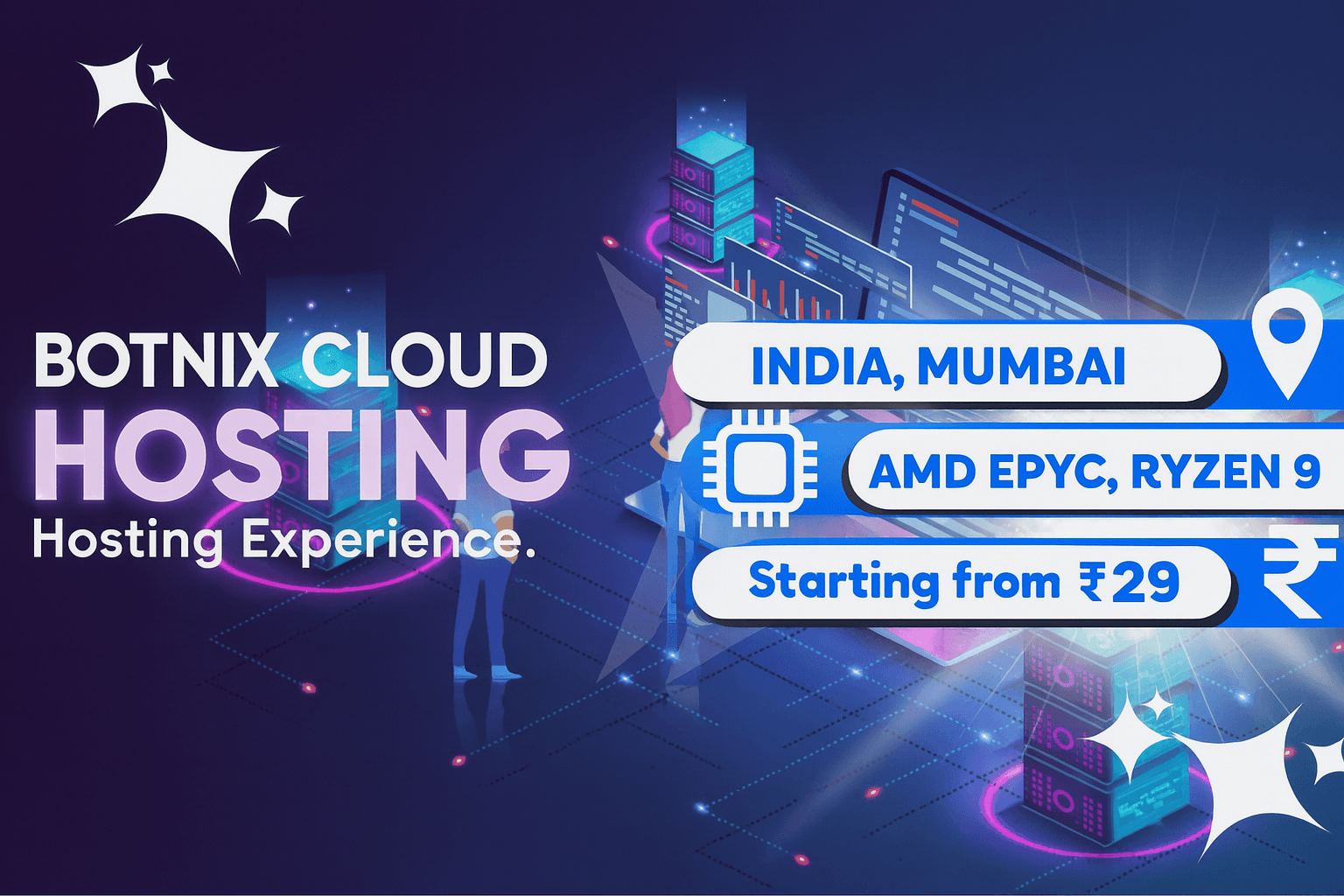
- Multi-Region Availability: Deploy your bot in Mumbai, India for ultra-fast Discord gateway connections in South Asia, or in Canada for optimal routing to Discord's primary North American voice servers.
- PaaS & RDP Options: Run your bots via our 1-click Bot Hosting PaaS, Linux SSH with PM2/Docker, or a full Windows RDP environment.
Step 1: Deploying a 24/7 Node.js or Python Discord Bot
Using PM2 for Automated Restarts on a Linux VPS
Connect to your Botnix VPS via SSH:
# Install NodeJS & PM2
curl -fsSL https://deb.nodesource.com/setup_20.x | sudo -E bash -
sudo apt install -y nodejs git
sudo npm install -g pm2

# Clone and install your bot
git clone https://github.com/your-username/my-discord-bot.git
cd my-discord-bot
npm install

# Start the bot with PM2
pm2 start index.js --name "botnix-bot"

# Enable auto-startup on server boot
pm2 startup
pm2 save
With PM2 configured, your bot will automatically recover from unhandled exceptions and restart instantly if the server reboots for maintenance.
Step 2: Setting Up a Dedicated Lavalink Node
Lavalink is the industry standard for high-performance Discord music bots. By offloading audio encoding and decoding (FFmpeg/Opus) away from your bot process to a standalone Java server, you reduce CPU consumption by over 90%.
1. Install Java 17+
Lavalink requires Java 17 or higher:
sudo apt update
sudo apt install -y openjdk-17-jre-headless
2. Download Lavalink.jar & application.yml
mkdir ~/lavalink && cd ~/lavalink
wget https://github.com/lavalink-devs/Lavalink/releases/latest/download/Lavalink.jar
Create your application.yml configuration:
server:
  port: 2333
  address: 0.0.0.0
lavalink:
  plugins:
    # Optional audio plugins (YouTube, Spotify, etc.)
  server:
    password: "YourSecureLavalinkPassword"
    playerUpdateInterval: 5
    bufferDurationMs: 400
    youtubeSearchEnabled: true
3. Run Lavalink as a Persistent Service
pm2 start "java -Xmx2G -jar Lavalink.jar" --name "lavalink-node"
pm2 save
Your Lavalink audio node is now active on port 2333! Connect your bot's Lavalink client (e.g., Kazagumo, Poru, or Lavalink.py) to your Botnix VPS IP.
Lavalink Performance Benchmarks on Botnix Cloud
| Resource Tier | Max Concurrent Voice Channels | Audio Quality | Recommended Plan |
|---|---|---|---|
| 2 GB RAM / 1 vCPU | Up to 15 Channels | 128 kbps standard | Botnix Starter (from ₹99/mo) |
| 4 GB RAM / 2 vCPU | Up to 45 Channels | 320 kbps high-def | Standard 4GB VPS (₹400/mo) |
| 8 GB RAM / 4 vCPU | 120+ Channels | 320 kbps Lossless | Standard 8GB VPS (₹800/mo) |
Conclusion & Next Steps
Don't let your Discord community suffer through bot downtime or crackling audio. Botnix Cloud offers both dedicated Bot Hosting solutions and full KVM VPS Hosting in Mumbai and Canada starting at just ₹99/month.
Order your server, paste your bot code, and keep your community running 24/7!
Deploy your server in under 3 minutes
KVM VPS from ₹400/mo. Mumbai datacenter, NVMe storage, DDoS protection, and 24/7 support from real engineers.
Deploy Now — Free Setup